AI agents for product managers next to your coding agents

Run AI product management agents in Cursor, VS Code and Antigravity alongside Claude Code, Codex and Gemini CLI.


Codex
Gemini CLI
GitHub Copilot
Claude Code
Grok
MS Copilot
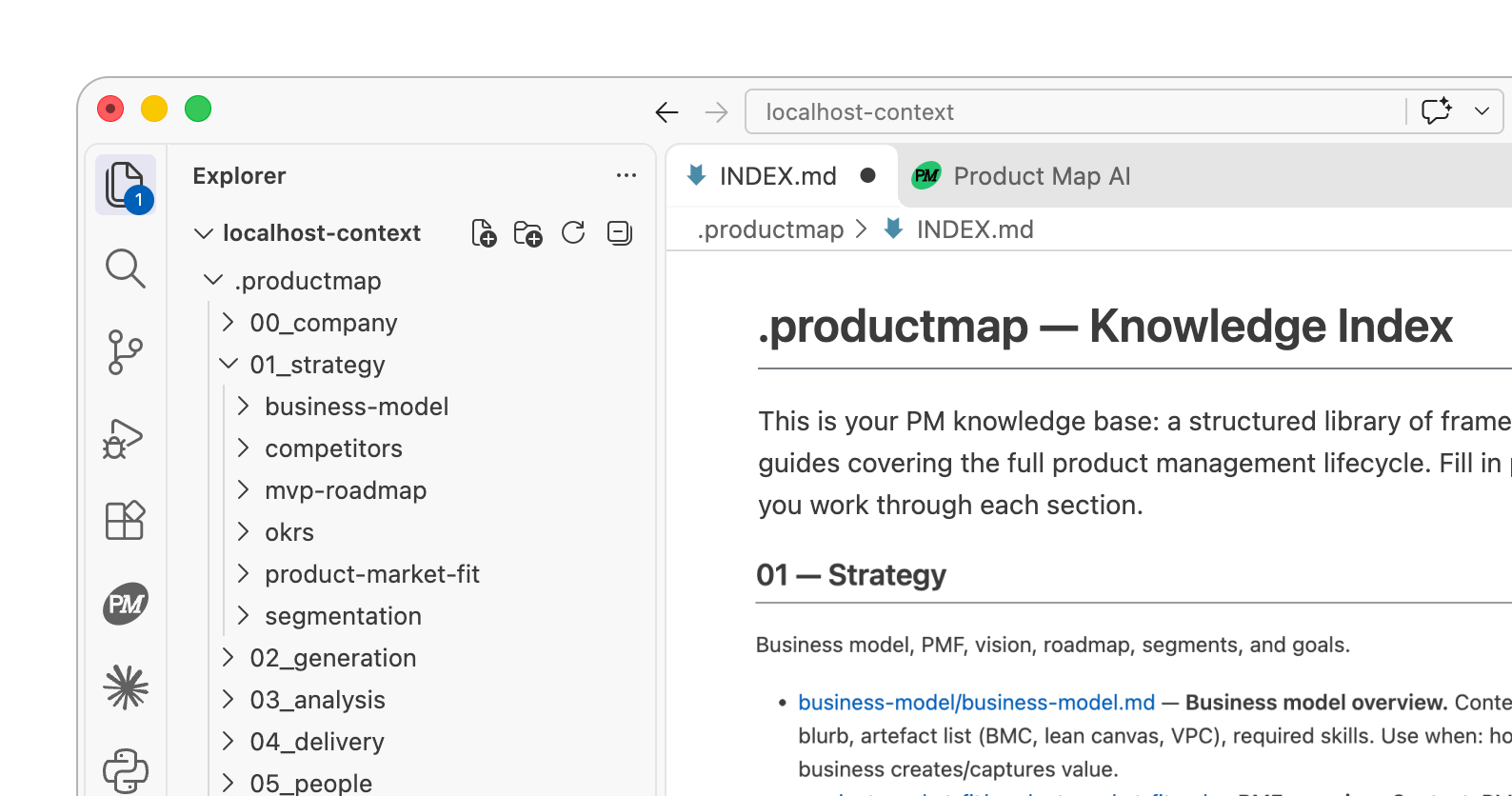
Run PM agents locally
Use your product repo as context
Manage product context
Update context with every run

Get started in your IDE

1

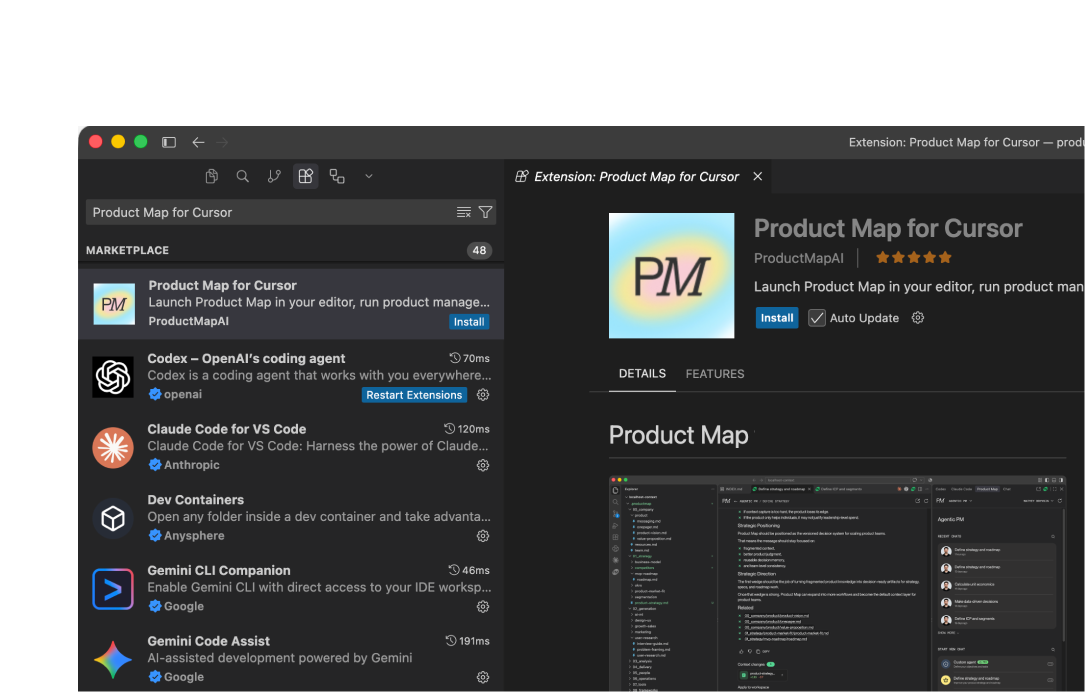
Install Product Map for Cursor

Open the Product Map for Cursor plugin in the workspace that contains your product context repo.
Open in Cursor
2

Sign in and connect your project

Use your Product Map account to set up the project knowledge base and connect it to Git.
Sign up
3

Run agents with your product context

Choose and run AI agents, review the results, and push the updated artifacts to your repository.
Cursor plugin
Product Map Plugin for Cursor
1

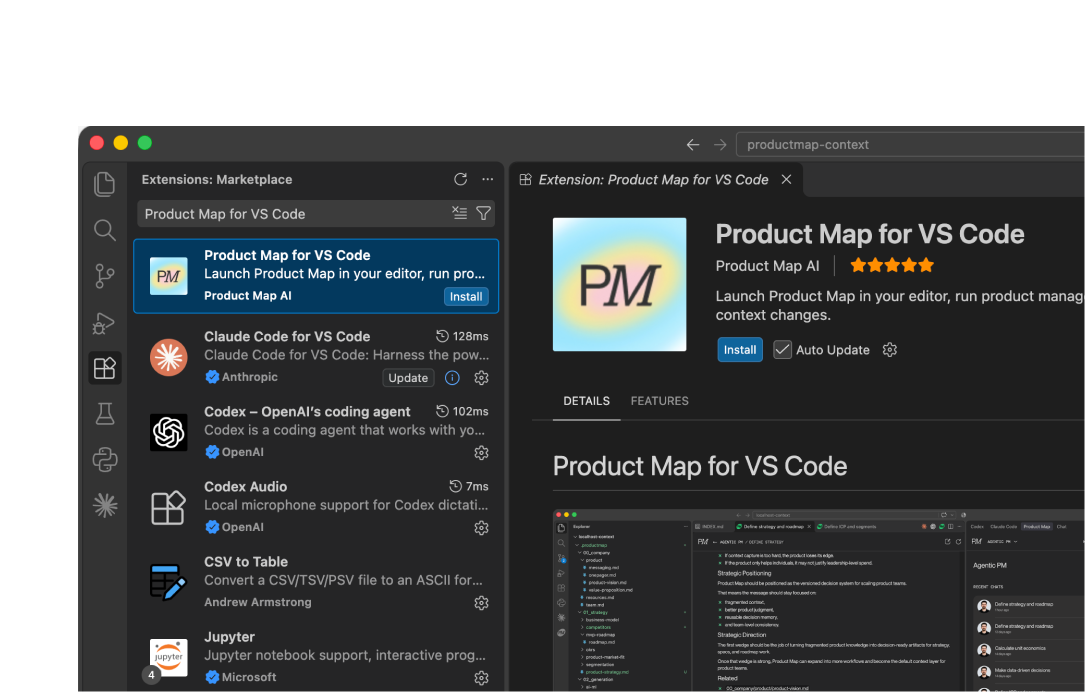
Install Product Map for VS Code

Open the Product Map for VS Code extension in the workspace that holds your product context repo.
Open in VS Code
2

Sign in and connect your project

Sign in with your Product Map account to create the project knowledge base and link it to Git.
Sign up
3

Run agents with your product context

Pick the AI agents you need, review their output, and commit the updated artifacts to your repository.
VS Code plugin
Product Map Plugin for VS Code
1

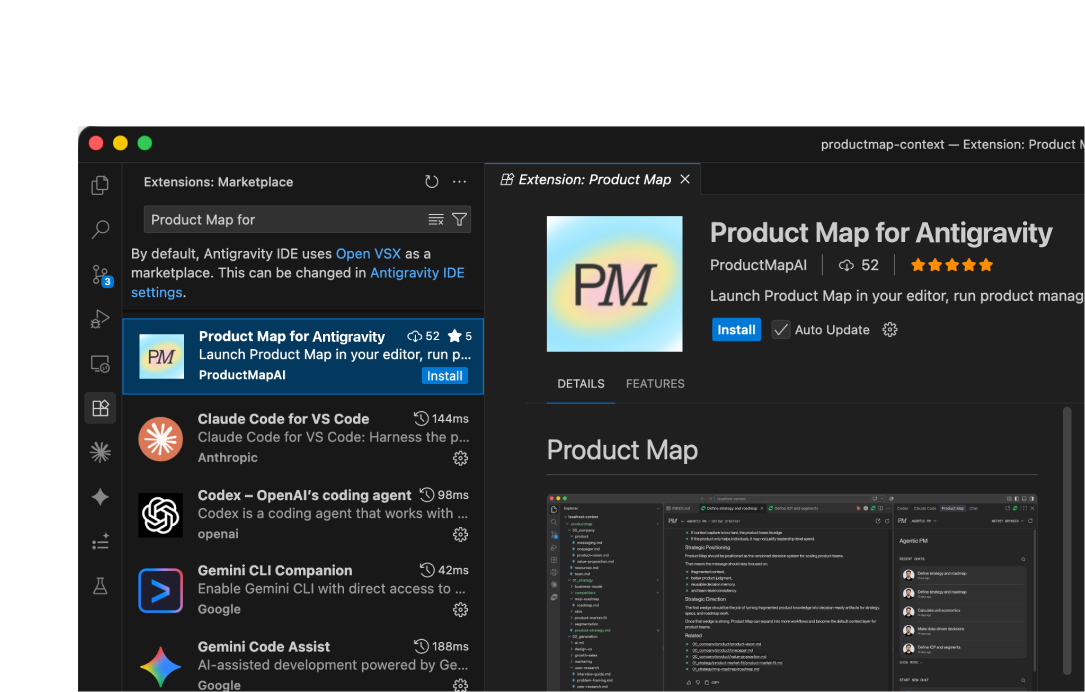
Install Product Map for Antigravity

Add the Product Map for Antigravity extension to the workspace where your product context repo lives.
Open in Antigravity
2

Sign in and connect your project

Log in to your Product Map account, set up the project knowledge base, and connect it to Git.
Sign up
3

Run agents with your product repo

Select and run AI agents, check the results, and push the updated artifacts back to your repository.
Antigravity plugin
Product Map Plugin for Antigravity

Turn your IDE into an agentic PM workspace that knows your product

Strategy, discovery, delivery, and go-to-market, all in one place. Every product management workflow runs on your product repo, next to your engineers' code.
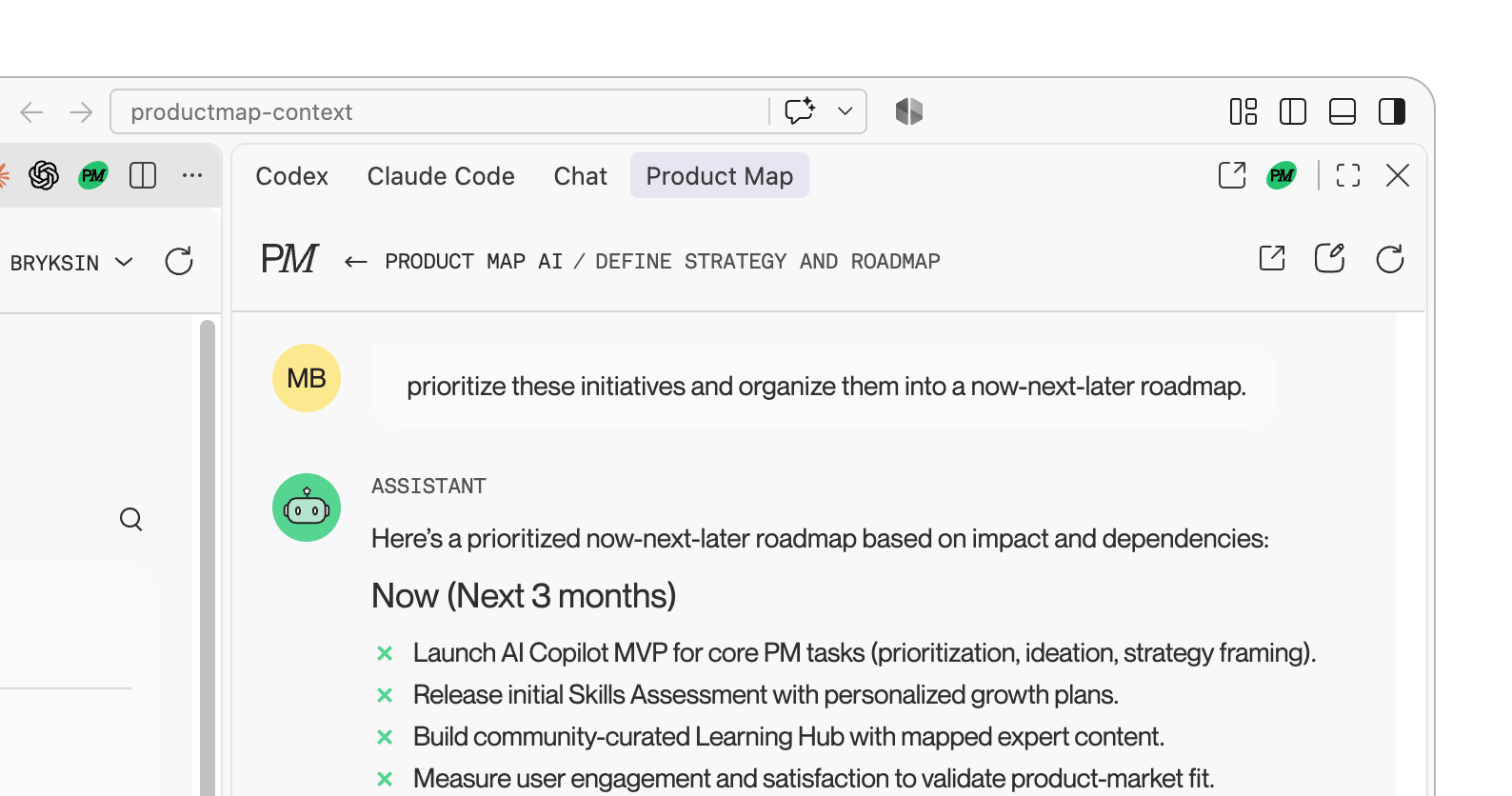
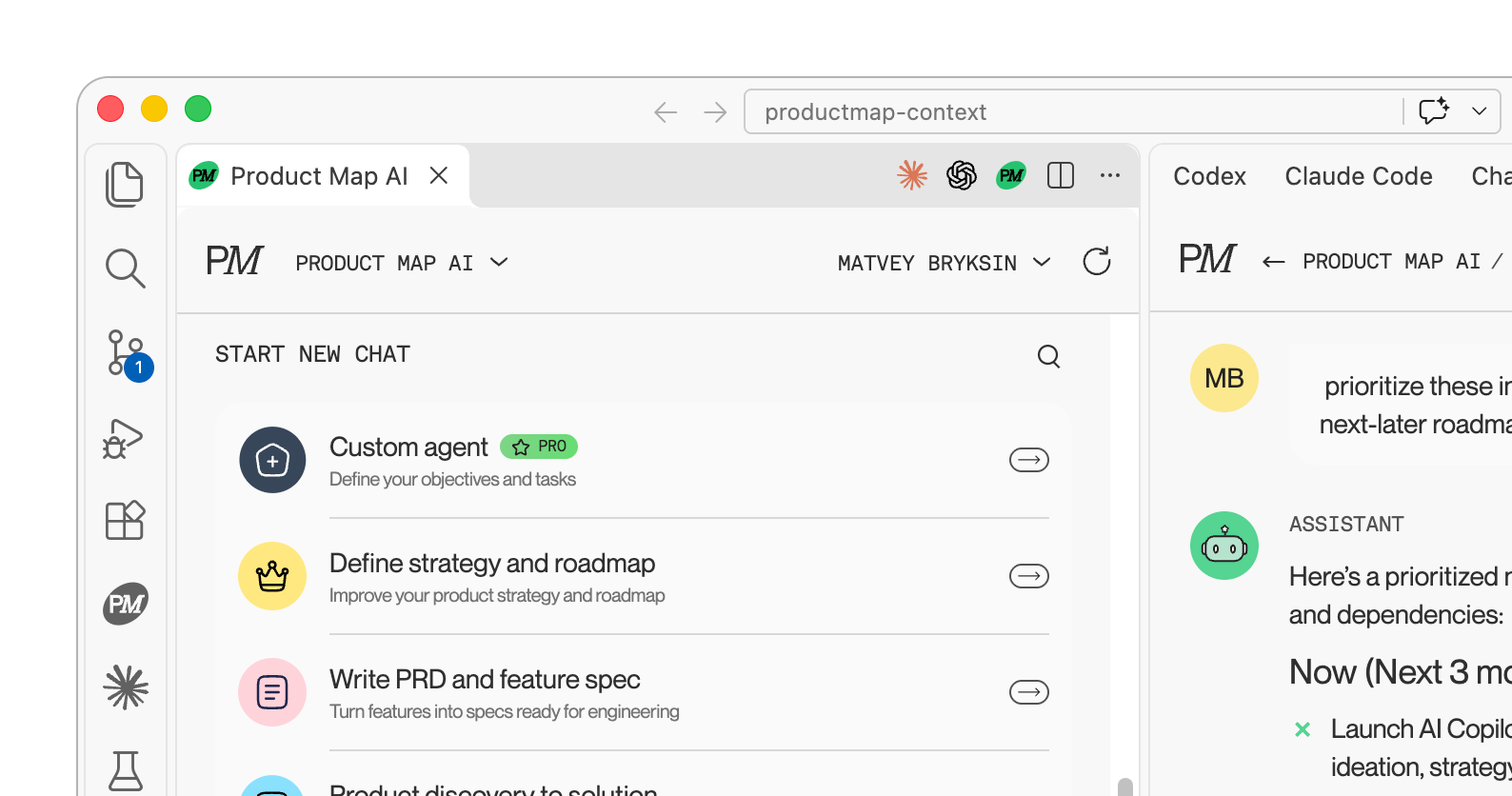
Run agents for product management

Get roadmaps, priorities, and strategy reviews next to your coding agents.
Run agents for product management

Create complex AI workflows for PM tasks

Chain agents across strategy, discovery, delivery, and go-to-market.
Create complex AI workflows for PM tasks

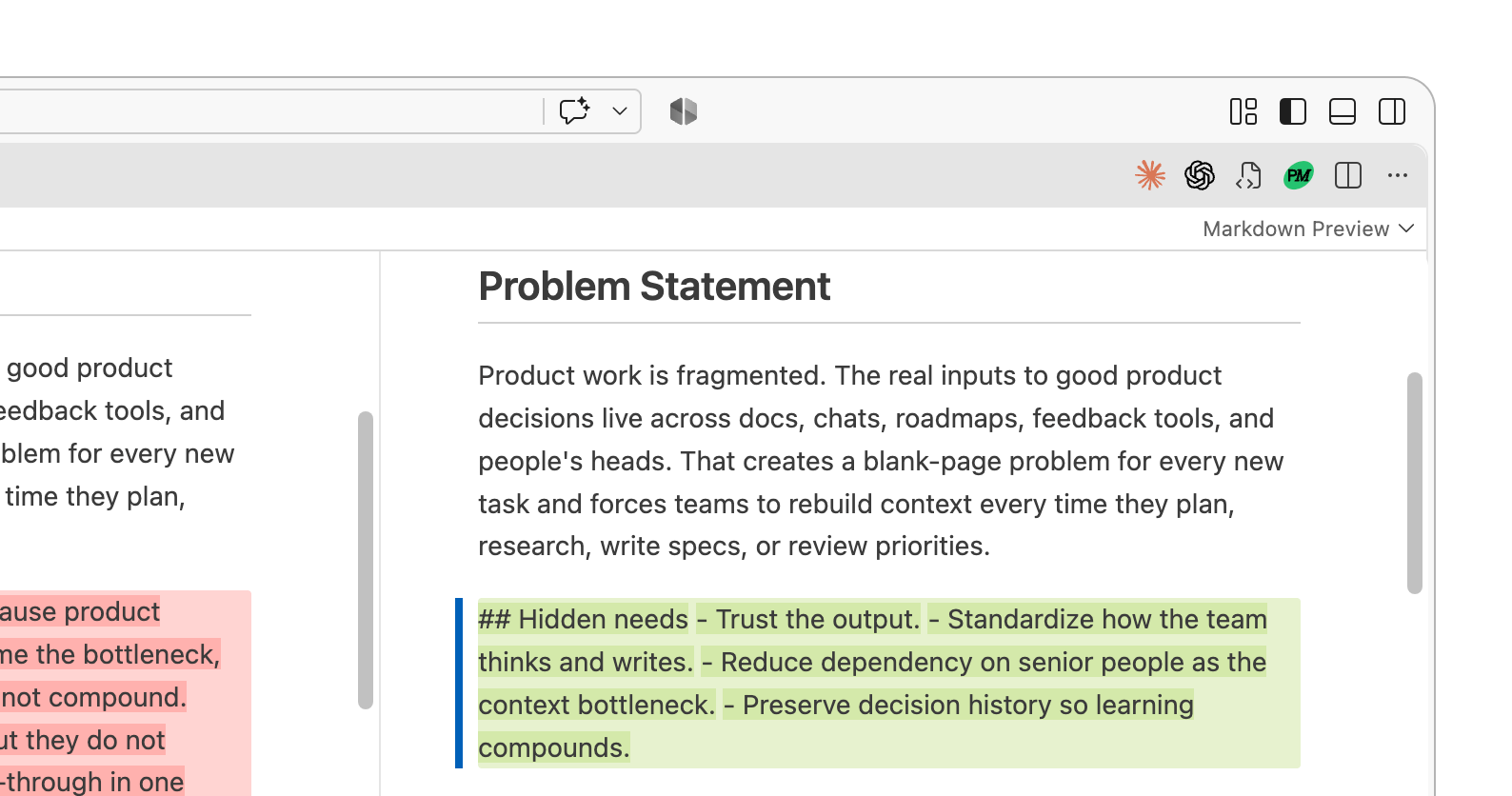
Manage product context updates in one place

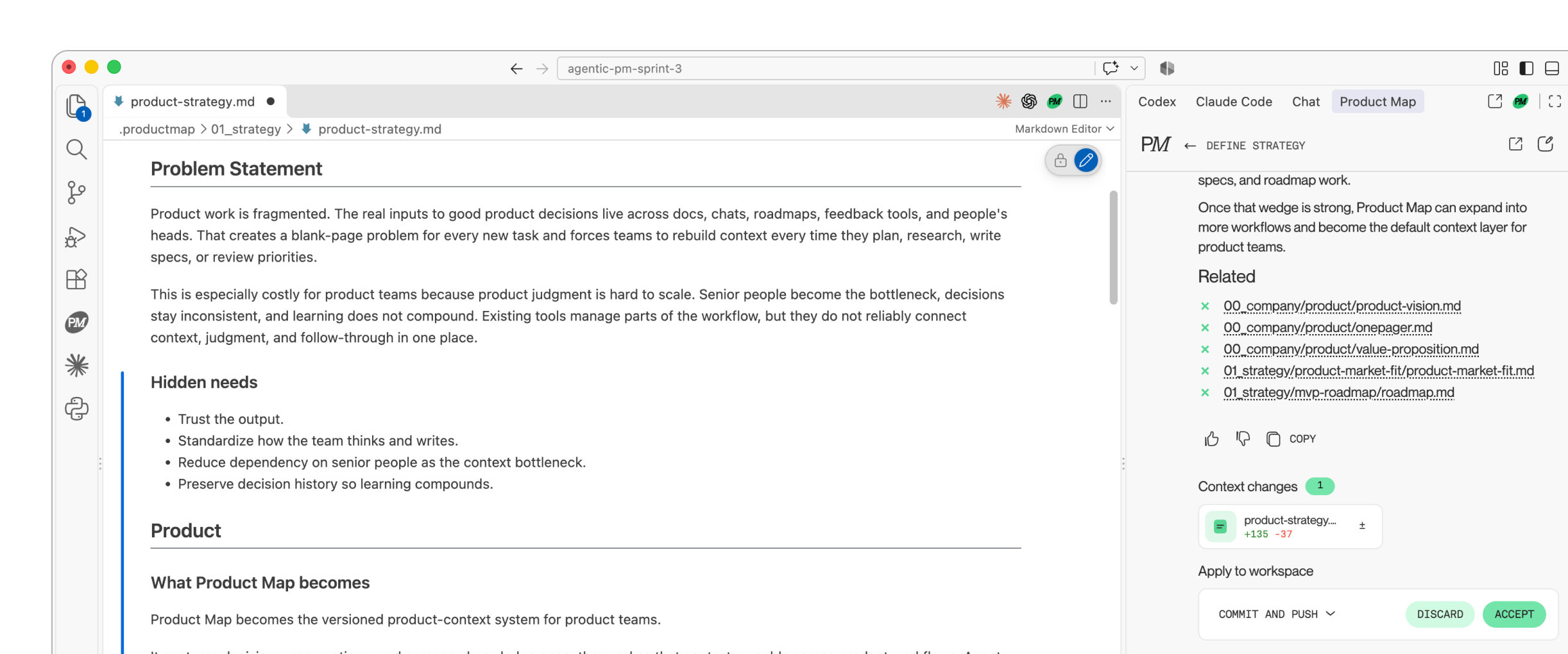
Agents read your product context before every run and propose edits after. Accept, discard, or push.
Run agents using context
Build artifacts after each run
Manage product context updates in one place

Version control all your changes

Every artifact is a diff. Review line by line and keep history in Git.
Version control all your changes

Use an expert-driven knowledge base

Start from PM frameworks and templates for the full product lifecycle.
Use an expert-driven knowledge base

Agents that work with the tools you already use

Amplitude

Figma

Notion

Miro

Atlassian

Microsoft Teams

Microsoft 365

Asana

Google Drive

Slack

Discord

Granola

Frequently asked questions

1

What is the Product Map plugin for Cursor, VS Code, and Antigravity?

AI agents for product managers that run inside your IDE on your product repo.
2

Who is the plugin for?

Product managers, product leaders, and founders who work in a repo alongside engineers and coding agents.
3

How is this different from Cursor chat, Codex or Claude Code?

Coding agents write code. PM agents write strategy, specs, and priorities, grounded in your product context.
4

Do I need to move my product documents into Product Map?

It brings product context, PM workflows, and expert knowledge into Cursor.
5

Does the plugin change my files automatically?

Agents propose changes as diffs. Nothing is committed until you accept.
6

Is my product context secure?

Context stays in your repo. The plugin sends only your messages and attached files to Product Map.
7

Do I need a Product Map account?

Yes. The plugin is free, and a free account connects your project and Git repository.
8

Which editors and coding agents does it work with?

Cursor, VS Code 1.100 or later, and Antigravity, alongside Claude Code, Codex, Gemini CLI, and GitHub Copilot.

Make your IDE product-aware

Connect your product context once, then turn every product decision into clear, grounded, reusable work your team can review, share, and build on.
Claude CodeGrokGeminiMicrosoft CopilotCodexGitHub CopilotDownload the plugin